

GCIOBA CanadaFor iPhone & iPad
Available to try on TestFlight
Alumni app
Members. Events. Giving.
A place to keep in touch.
Try the app with sample data in the free TestFlight beta. Live access for members is not yet enabled.
Requires iOS 17 or iPadOS 17 or later.
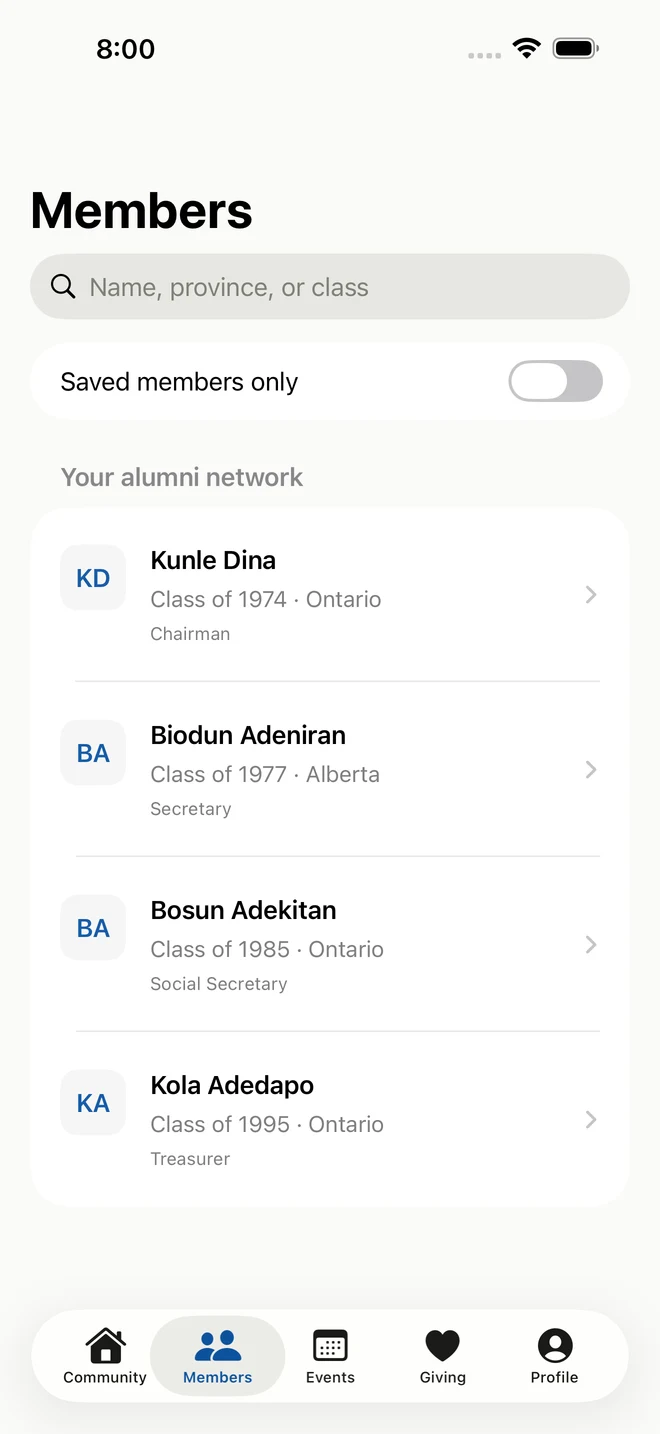
A look inside
More ways to take part.
Try reading updates, saving sample profiles, viewing events and making sample RSVPs. The demo account workspace lets the association test publishing and visibility controls.
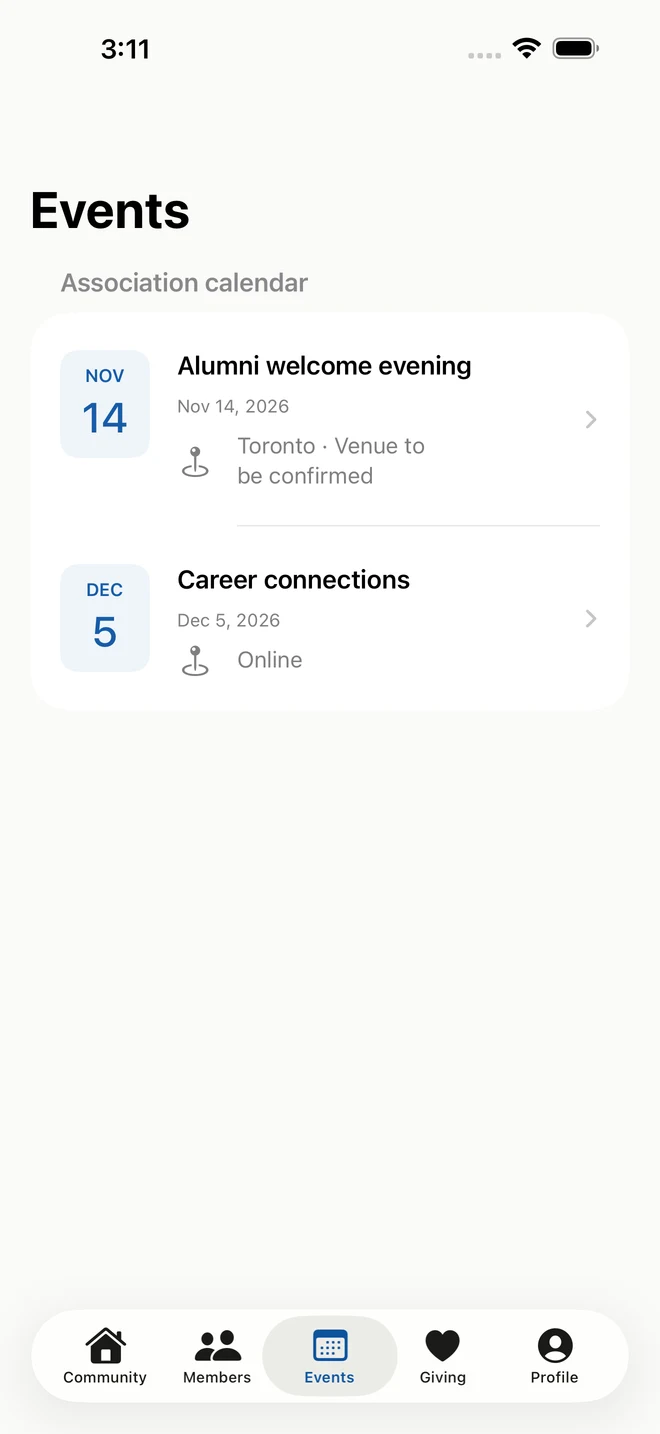
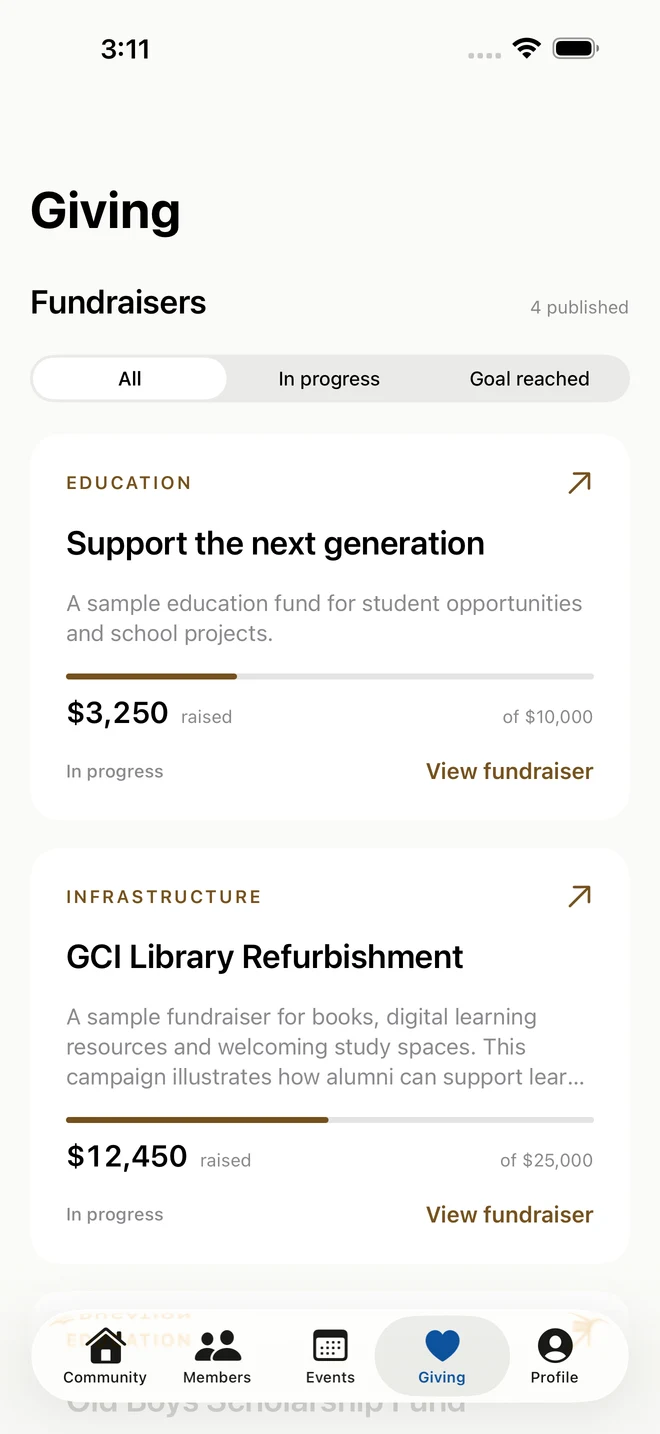
The directory image was prepared with website-listed officers; those profiles are not included in the installed beta. Event and fundraiser screens use sample records. These images do not update when the administrator edits records. City, phone numbers and email addresses are not shown.
Getting started
On your phone.
In three steps.
Open this page on your iPhone or iPad and follow along. The beta is free.
-
Join the GCIOBA Canada beta
Tap the invitation button and enter your email to get the link. Choose View in TestFlight if prompted.
-
Accept and install
In TestFlight, select Accept if shown, then Install. Tap Open to launch GCIOBA Canada.
Already a tester? Tap Update to get the newest available build.